Cinava
An Android video player built around your media — open local files, tune subtitles, and watch on a compatible screen.
Cinava keeps the controls practical and the experience focused on the files and streams you choose.
Open your own files and compatible streams from a clear interface designed to keep everyday viewing uncomplicated.
Use hardware decoding when available, adjust the frame, and enjoy responsive playback on supported Android devices.
Load common subtitle formats, adjust timing, choose audio tracks, and keep dialogue comfortable to follow.
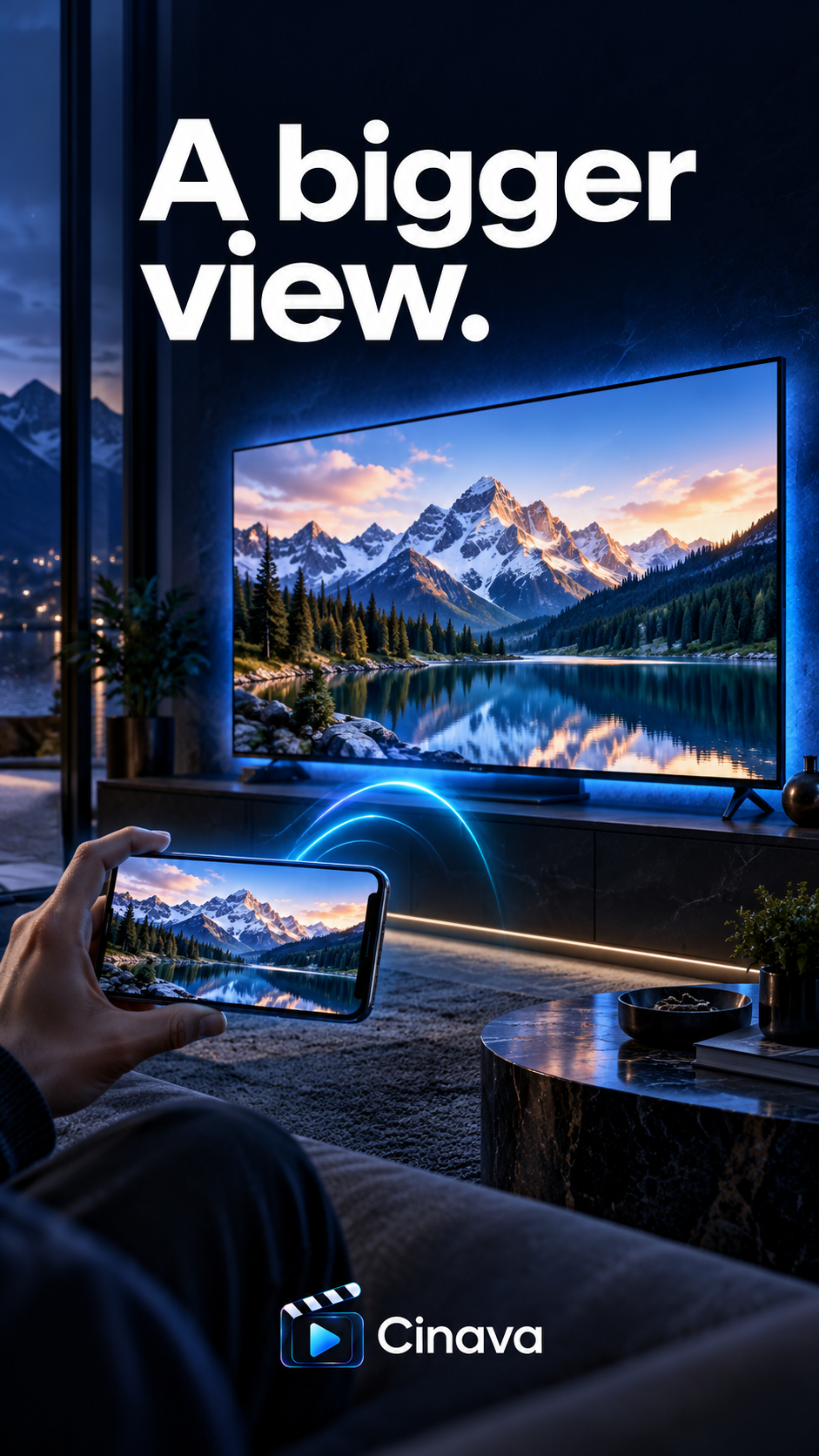
Send playback to compatible Chromecast or DLNA displays when you want more room, with controls still close at hand.
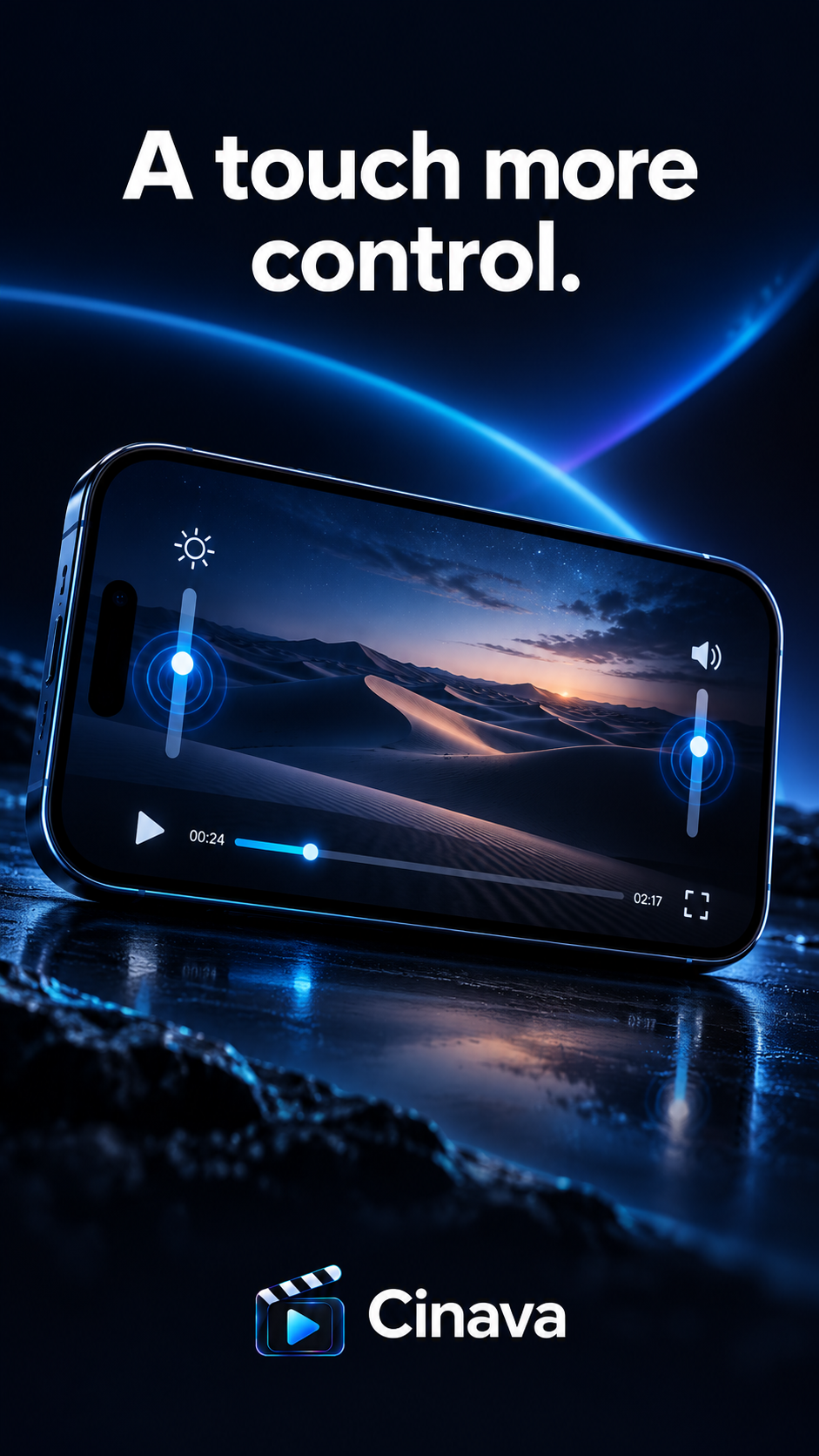
Swipe for brightness or volume, seek with direct controls, and fit the video naturally to your screen.
Cinava does not upload, host, or supply the videos you choose to play. You remain in control of your media sources.
A focused experience for the things you do every day — open, play, and cast.
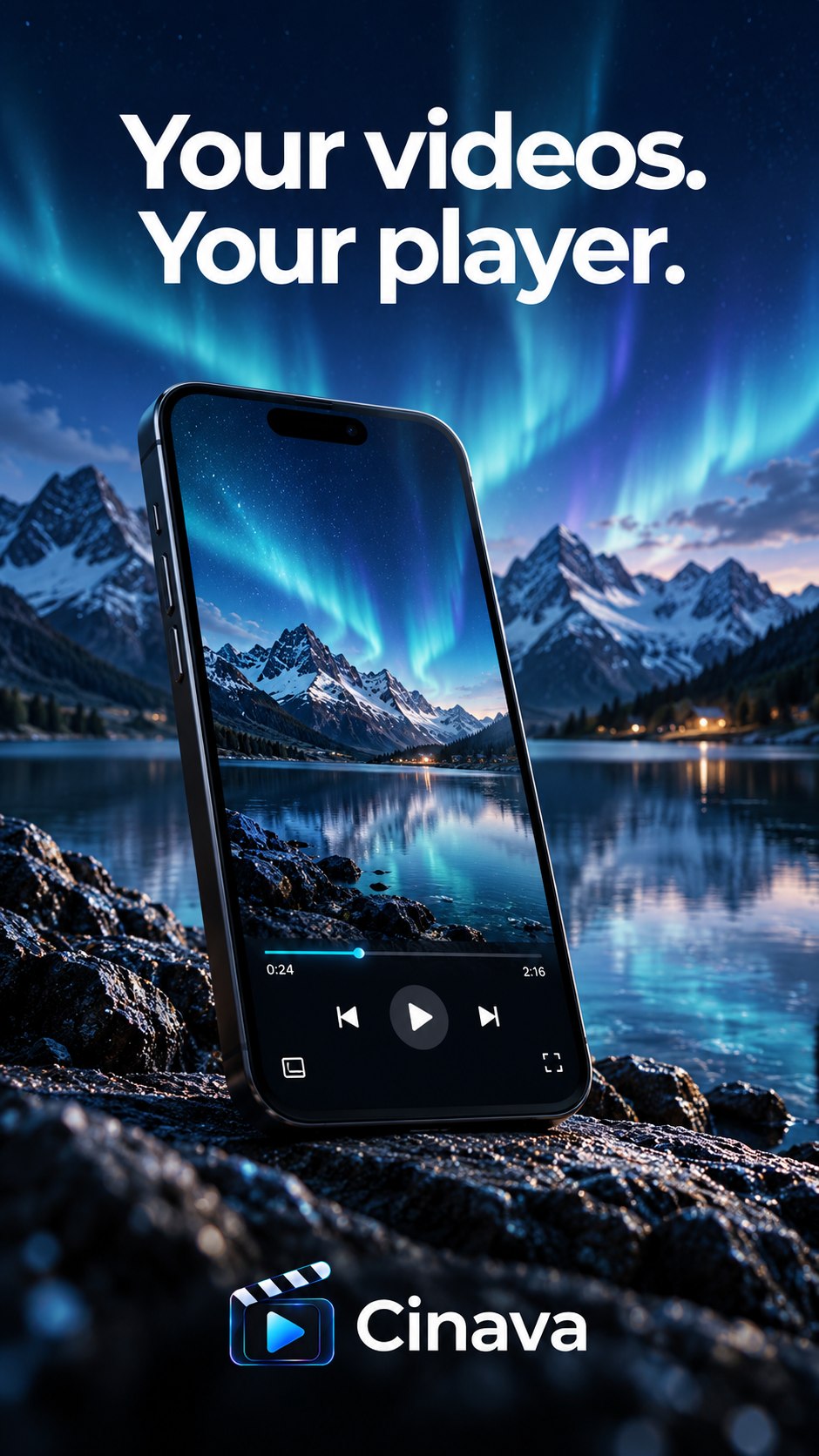
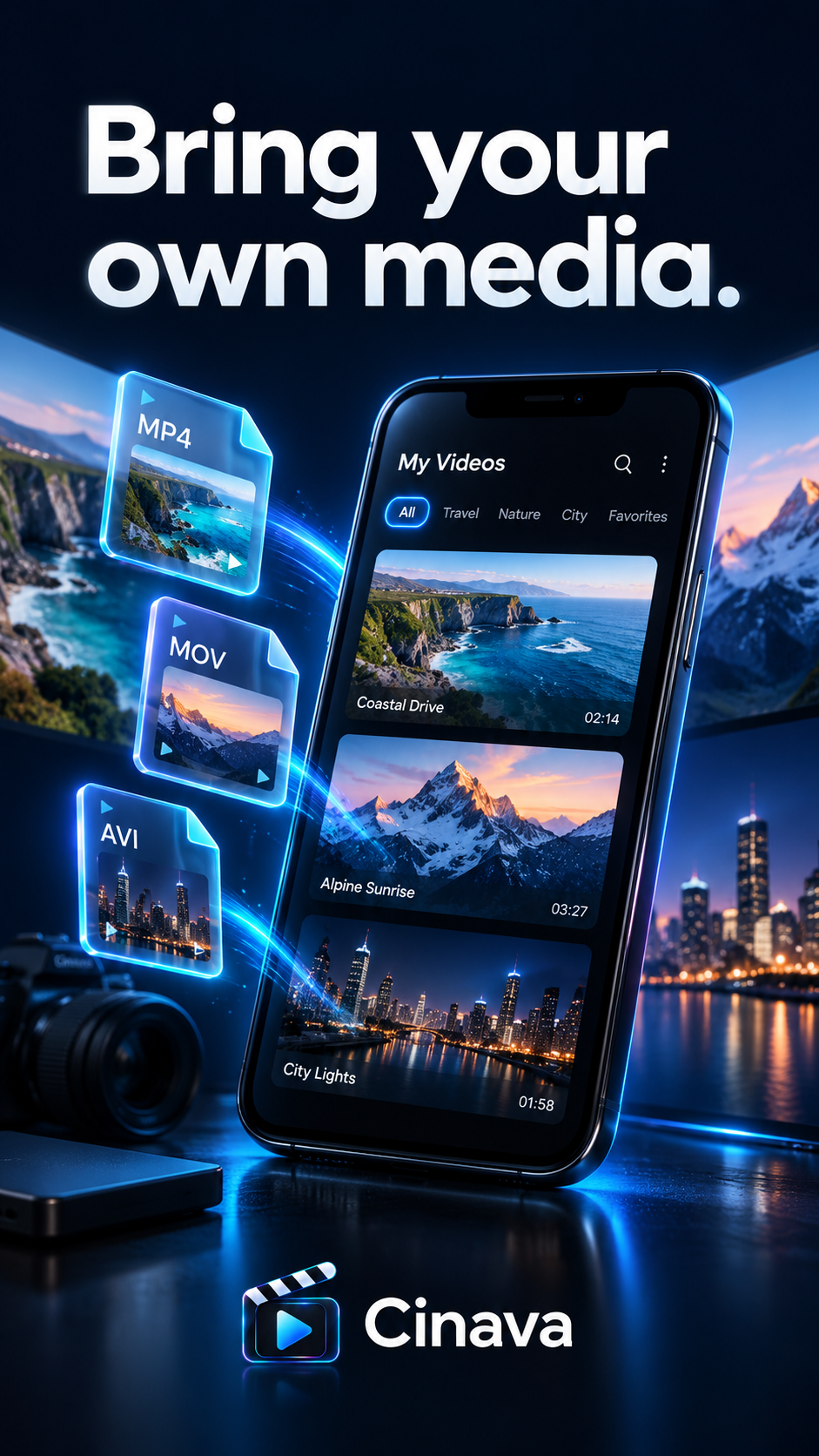
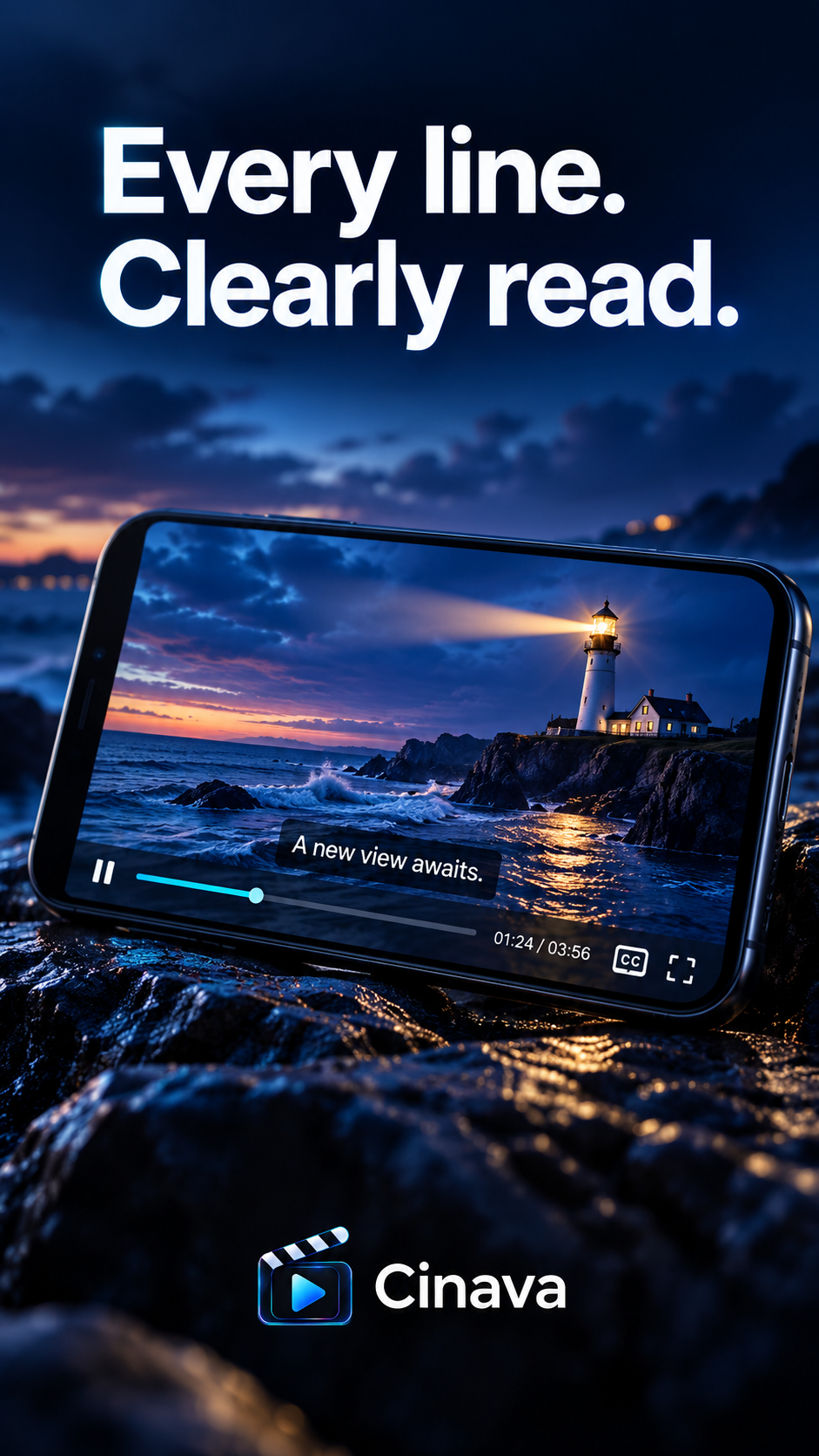
A straightforward Android player for your own media, with subtitle controls, touch gestures, and compatible casting.
The Android download link will be available here.
Cinava is a media player. It does not host or provide any video content. All trademarks, logos, and brand names are the property of their respective owners.